



Louis Joseph
Lou-ee Jo-zif
out now
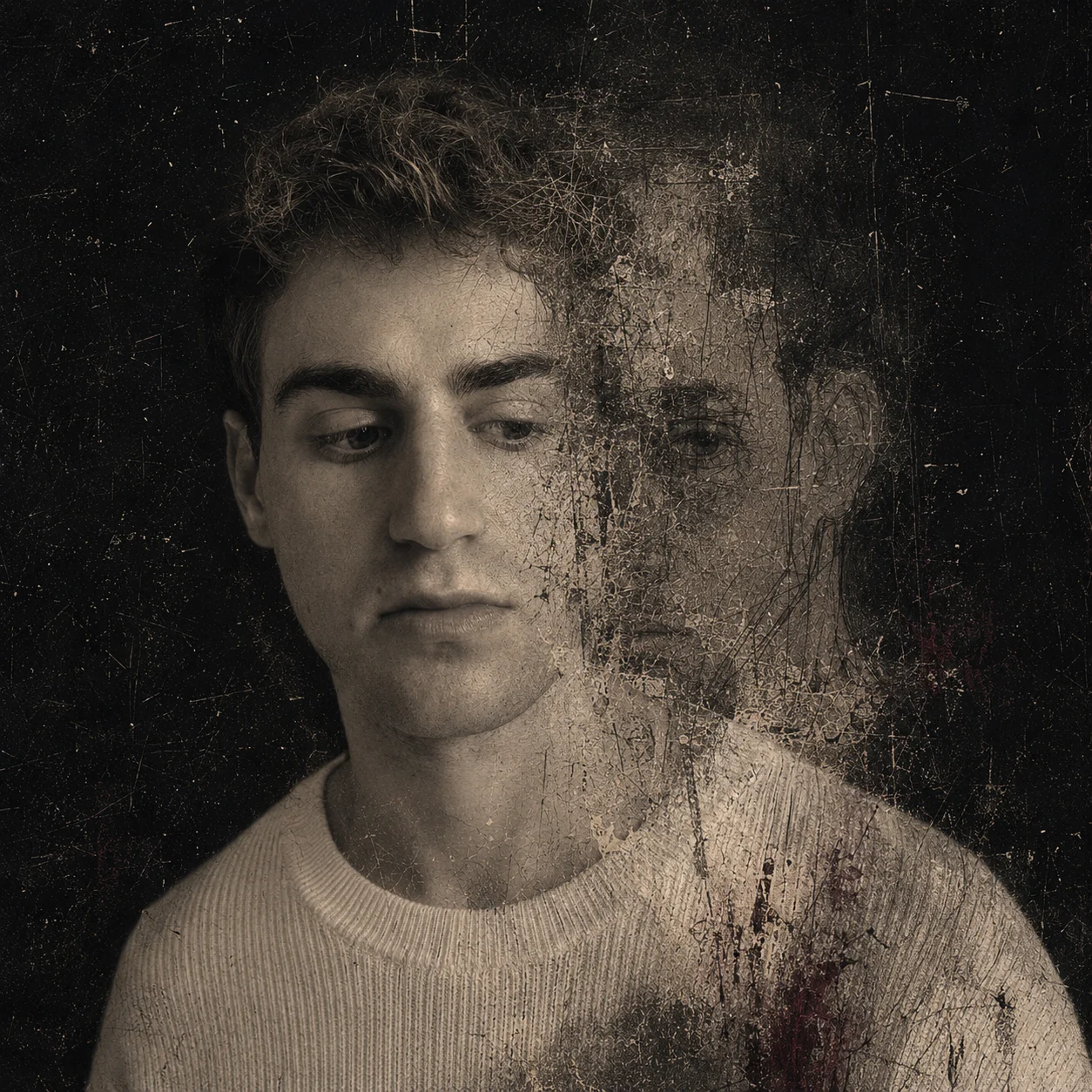
never meant to make u cry — single
listen on your favourite platform
other streaming platformsSave the song or add it to a playlist in your music app.
select a release from the first project
never meant to make u cry — single
28 october 2026
written and produced by Louis Joseph Cantor Bollack and Song Higginson View work
Visuals by Louis Joseph.
Visuals processed using TouchDesigner and DaVinci Resolve.
Download videoMP4 · 1080p
Save to your device
On iPhone, open the downloaded video and use Share → Save Video to add it to Photos.
other streaming platforms
never meant to make u cry
More places to listen coming soon.
back to the topcalming songs i use at night

fragile bliss (instrumental)
Add these songs to your music library
The downloads include the song title, artist and cover artwork.
On a Mac
- Download the song, then open the Music app.
- Drag the downloaded MP3 or M4A into the Music window, or use File → Import / Add to Library.
- Keep a copy of the file. You can now add the song to a playlist.
On Windows
Open Apple Music for Windows. Choose Sidebar Actions → Import and select the downloaded file.
Apple’s Windows import guideOn iPhone or iPad
Downloading in Safari saves the song to Files; it does not add it directly to Apple Music.
- First import the file on a Mac or Windows PC. To sync wirelessly, use the same Apple Account and an Apple Music or iTunes Match subscription. iCloud+ storage alone does not include this.
- On the computer: Apple Music settings → General → Sync Library.
- On iPhone or iPad: Settings → Apps → Music → Sync Library. Wait for the song to appear, then download it inside Music for offline listening.
Other ways to listen
Without a subscription, sync from a computer using Finder on Mac or Apple Devices on Windows. Review the selected music before syncing: it can replace music previously synced from another library.
Apple’s computer sync guideOnly have your phone? Play the saved file in Files or a music player that supports local MP3 and M4A files. Saving it to iCloud Drive does not add it to Apple Music.
Community fund of the world
A shared fund, still taking shape.
Its purpose and management have not been decided yet. You can leave a non-binding pledge to express interest.
No money is taken. A pledge is not a payment or commitment, and you can change your mind.
To change or withdraw your pledge, use “message me” with the same email address. message me
Send me a message
A thought about the music, an idea, or something you would like to share.
Please write with kindness. I read messages in my own time and may not be able to reply to every one.